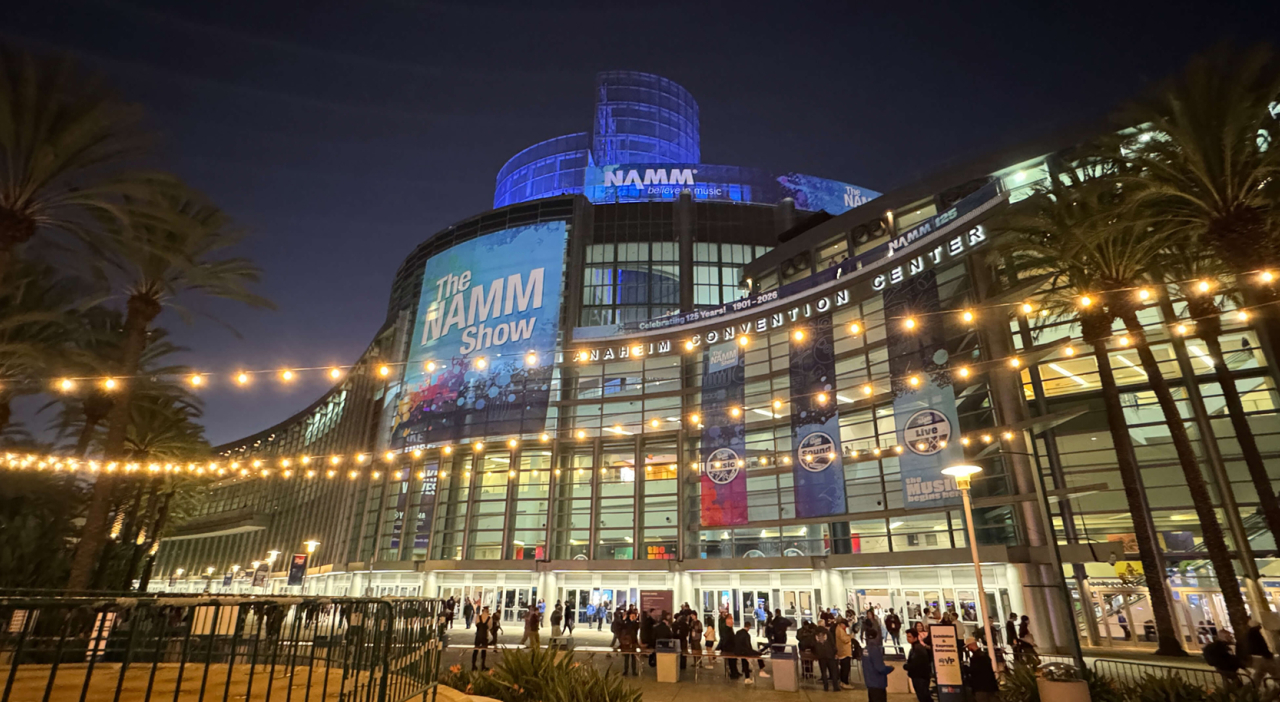
The NAMM Show
Registration Admin Process
Reg Admin Office Hours Live – Every Thursday from 11–11:30 AM PT
As Registration Admin, you are responsible for sending all badge invitations included in your company’s badge allotment.
To avoid late badge fees, send badge invitations to your employees and guests by January 6.
Note: You cannot send badge invitations to employees of another NAMM active or expired member company.
If you have any questions during registration, please visit support.namm.org.
Get Set Up as Registration Admin & Send Badge Invitations

Step 1: Verify your Membership
Your NAMM membership must be active through The 2027 NAMM Show to access badge registration.
- Log in to dashboard.namm.org.
- Select Membership to confirm your membership status.

Step 2: Confirm your Registration Admin access
To send badge invitations, your user profile must be designated as the company’s Registration Admin. There can be one Registration Admin per company.
- In your NAMM Dashboard, go to My Profile and confirm your Access Level is Admin.
- If you are not an Admin, ask your company’s Admin to assign you as the Registration Admin.
- If you already have Admin access, designate yourself as the Registration Admin before continuing. View the Registration Admin tutorial for instructions.

Step 3: Add your employees
- Under Manage Employees, add your company employees.
This ensures employees can access NAMM member benefits, receive the correct company badge, and prevent unauthorized registrations under your company.

Step 4: Send badge invitations
- Select Badge Registration in the menu on the left side of your dashboard to send your complimentary and discounted badge invitations by January 6.
Badge invitations sent before the deadline can be redeemed anytime before the show at the complimentary or discounted rate.
Invitations sent after January 6 are $75 each. After the deadline, you may continue sending unlimited $75 badge invitations.
Encourage everyone you invite to register ahead of the show for faster badge pickup at the Anaheim Convention Center.
Important: Invitees must register using the same email address that their badge invitation was sent to.
Choose the Right Badge
Review the badge types below to determine which badge each employee or guest should receive for entry to The NAMM Show.
If You’re an Exhibitor
Exhibitor/Booth Staff
(Red)
Who it’s for:
Booth staff who need early or after-hours access and permission to transport product on and off the show floor.
Company name shown:
One of your exhibitor listing names.
Employee
(Yellow)
Who it’s for:
Employees not staffing the booth and not requiring early/late access or product transport.
Company name shown:
One of your exhibitor listing names.
Endorsed Artist
(Red)
Who it’s for:
Endorsed artists supporting your booth and who need permission for product transport.
Media
(Purple)
Who it’s for:
Invited media personnel.
Qualified Attendee
(Yellow)
Who it’s for:
Invited non-members, such as:
|
|
Cannot be used to invite employees of another NAMM active or expired member company.
Digital-Only Access
(Not a Physical Badge)
Who it’s for:
Employees and guests who receive access to The NAMM Show App only. Does not include admission to the in-person show.
$75 Qualified Attendee
(Yellow)
Who it’s for:
Guests who don’t qualify for a badge included in your badge allotment. Unlimited invitations available at the $75 rate.
Cannot be used to invite employees of another NAMM active or expired member company.
If You’re a Retail Member or Non-Exhibiting Distributor
NVP
(Dark Blue)
Who it’s for:
Retail members only. This upgraded Buyer badge includes complimentary parking (based on availability), priority hotel booking, access to the NAMM Member Center private lounge, early entry to NAMM U Breakfast Sessions, dedicated will-call for express badge pickup, and express lines at designated plaza food trucks.
Company name displayed:
Your membership record.
Buyer Badge
(Blue)
Who it’s for:
Employees with buying authority.
Company name displayed:
Your membership record.
Employee
(Blue)
Who it’s for:
Employees without buying authority.
Company name displayed:
Your membership record.
Qualified Attendee
(Yellow)
Who it’s for:
Invited non-members, such as:
|
|
Cannot be used to invite employees of another NAMM active or expired member company.
$75 Qualified Attendee
(Yellow)
Who it’s for:
Guests who don’t qualify for a badge included in your badge allotment. Unlimited invitations available at the $75 rate.
Cannot be used to invite employees of another NAMM active or expired member company.
Digital-Only Access
(Not a Physical Badge)
Who it’s for:
Employees and guests who receive access to The NAMM Show App only. Does not include admission to the in-person show.
If You’re a Manufacturer Rep
Manufacturer Rep
(Red)
Who it's for:
Employees representing your exhibiting vendors.
Company name shown:
Your membership record.
Qualified Attendee
(Yellow)
Who it’s for:
Invited non-members, such as:
|
|
Cannot be used to invite employees of another NAMM active or expired member company.
Digital-Only Access
(Not a Physical Badge)
Who it’s for:
Employees and guests who receive access to The NAMM Show App only. Does not include admission to the in-person show.
$75 Qualified Attendee
(Yellow)
Who it’s for:
Guests who don’t qualify for a badge included in your badge allotment. Unlimited invitations available at the $75 rate.
Cannot be used to invite employees of another NAMM active or expired member company.